Live Fleet Telemetry
Streams live machine signals into one fleet view, with health and alert status for every machine.
In the mine
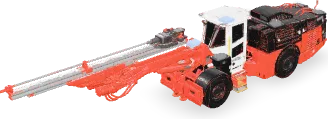
Live Fleet Telemetry, where it works.
Key features
- Live health and alert status for every machine
- Filter by machine and by rig type
- Compare machines side by side
- Move from the live view into history without switching systems
What it helps with
- You getProblems are seen while they are still smallMaintenance and production teams act on a developing fault before it stops the machine.
- You seeWatch its signals as they changeHealth and alert status update live as the machine reports.
- ImprovesVisibility · Productivity
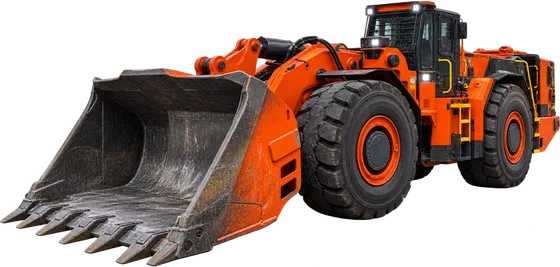
Live machine data · LHD-014Working normally


Brake
OK


Door
Closed
Engine
OK

Gear
In gear
How it works
From a click to a result.
- 01 · You do
Open the fleet view and pick a machine
Filter the fleet by machine or rig type, or select one machine to follow.
- 02 · You see
Watch its signals as they change
Health and alert status update live as the machine reports.
- 03 · You get
Problems are seen while they are still small
Maintenance and production teams act on a developing fault before it stops the machine.
What it does
Live Fleet Telemetry streams equipment signals into an accessible fleet view, so teams understand machine health as it changes. Alerts are identified as they happen and machines can be compared against each other.
- Live health and alert status for every machine
- Filter by machine and by rig type
- Compare machines side by side
- Move from the live view into history without switching systems
More in Machine Data
See Live Fleet Telemetry with your own data.
Book a walkthrough and we will show you this feature on a working mine simulation.