Shift Capture Form
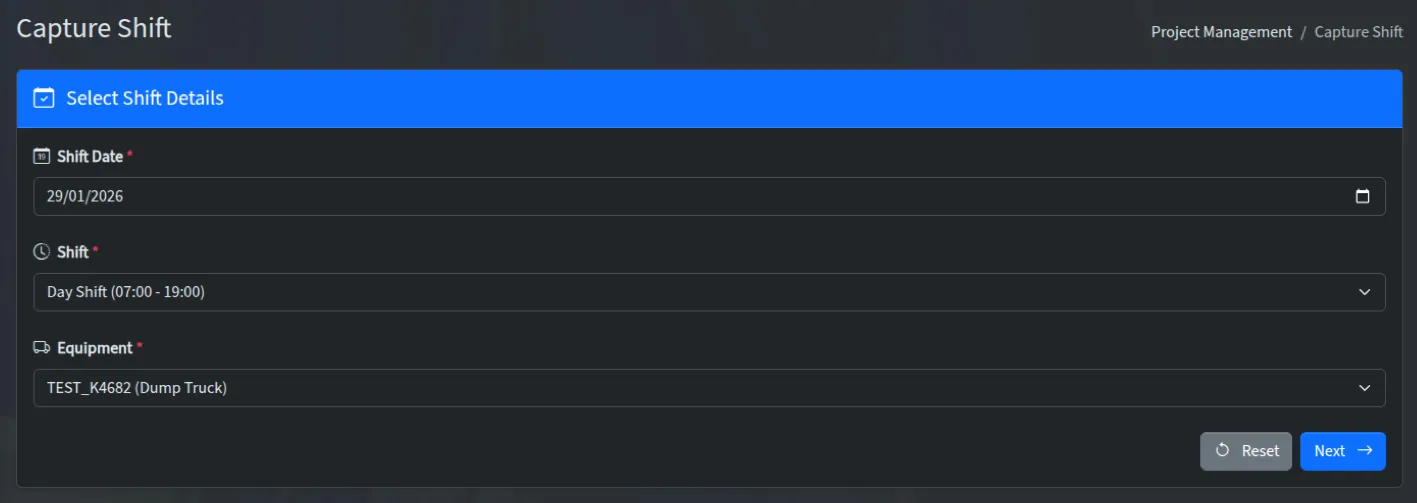
A customisable form for capturing shift data per TMM type: activities, delays and material moved.
In the mine
Shift Capture Form, where it works.
Key features
- Capture shift data for different TMM types
- Record delays and the amount of material moved
- Completely customisable to the information you need
What it helps with
- You getNo more retyping paper shift sheetsShift data is available immediately for reports and KPIs.
- You seeStructured data from every shiftEach entry is recorded against the shift, the TMM type and the machine.
- ImprovesProductivity · Visibility
ARMobile · Shift Capture Form1 / 4
How it works
From a click to a result.
- 01 · You do
Capture the shift as it happens
Operators or supervisors add activities and delays on the form.
- 02 · You see
Structured data from every shift
Each entry is recorded against the shift, the TMM type and the machine.
- 03 · You get
No more retyping paper shift sheets
Shift data is available immediately for reports and KPIs.
What it does
The Shift Capture module has been designed to capture shift data for different TMM types, such as delays encountered on the shift or the amount of material moved. It is completely customisable to adapt to any information to be captured.
- Capture shift data for different TMM types
- Record delays and the amount of material moved
- Completely customisable to the information you need
More in Shift Capture
See Shift Capture Form with your own data.
Book a walkthrough and we will show you this feature on a working mine simulation.